
Create a Stack of windows Loop through them instantly.
Like tab groups, but for your entire desktop
A simpler way to move through your work.
Three steps. No configuration. No complex setup.
Create a stack for a task
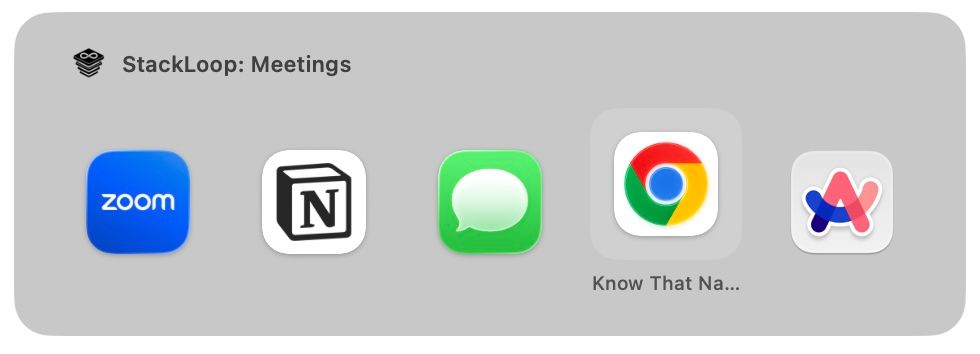
Name your stack and add the windows you use for that task. Coding, meetings, research — whatever you need.
Add windows to your stack
Assign any open window to a stack. Each window belongs to one stack — no duplicates, no confusion.
Cmd+\ to cycle windows in a stack
Loop through windows in your current stack or switch between stacks. The next thing you need is always one shortcut away.
Organize your workspace.
Your work happens in tasks, not apps. StackLoop organizes your windows the same way.
Switch tasks without resetting your workspace.
Jump between stacks and return to exactly where you left off. Your windows stay organized, even when you step away.
Simple pricing
Try StackLoop free, then unlock the full app with a one-time license.
Free Trial
30 days
No credit card required
No signup required
One-Time Purchase
$11.99
Per license
30 day return policy
Start with the free trial, then buy once when you’re ready.
Frequently asked questions
Everything you need to know about StackLoop.
Questions?
Want to learn more, get support, or reach out about StackLoop?